
Andrew Ambrosino、Jessica Liang、Ed Bayes、Lauren Gordon、Tejal Patwardhan 和 Katy Shi 与主持人 Thibault Sottiaux 共同介绍并演示了全新的 ChatGPT 和 GPT-5.6。 https://openai.com/chatgpt-work/

@openai
共 923 期 · 已译制 6 期
Andrew Ambrosino、Jessica Liang、Ed Bayes、Lauren Gordon、Tejal Patwardhan 和 Katy Shi 与主持人 Thibault Sottiaux 共同介绍并演示了全新的 ChatGPT 和 GPT-5.6。 https://openai.com/chatgpt-work/

上个月,人工智能发现了数学家们几十年来一直忽略的东西。推理研究员Alex Wei、Hongxun Wu和Lijie Chen加入播客,讨论一个通用模型如何帮助推翻著名数学家保罗·埃尔德什提出已有80年之久的猜想。 他们回顾了结果开始显现真实性的那一刻、验证证明所需的工作,以及自向世界分享这一发现以来所发生的事情。他们还探讨了这对数学的未来以及研究人员学习与人工智能合作的意义。 章节 0:44 人工智能与国际数学奥林匹克竞赛和国际信息学奥林匹克竞赛 6:35 OpenAI模型推翻埃尔德什单位距离猜想 8:33 运行模型并检查证明 11:04 为什么通用模型对发现很重要 15:55 创造力、工具以及证明是如何运作的 18:25 为什么人工智能应该让数学家感到赋能 22:31 给使用人工智能的研究人员的建议 27:24 数学与人工智能研究的下一步是什么 37:30 密码学、量子计算与未来

Codex最初是为开发者打造的工具。如今,人们正将其应用于更广泛的领域:研究、规划、文件整理、自动化、数据分析、演示以及其他日常知识工作。 在本期OpenAI论坛对话中,OpenAI全球事务部的Chris Nicholson与Codex负责人Thibault Sottiaux展开交流,探讨Codex如何超越软件工程范畴,以及这一转变对工作者、团队和组织意味着什么。

OpenAI 与博通正携手设计自有芯片——将前沿模型构建的经验直接融入硬件。通过与博通及其他合作伙伴的协作,我们正在打造下一代人工智能基础设施,以满足全球日益增长的需求。 在本期节目中,OpenAI 的萨姆·奥尔特曼和格雷格·布罗克曼与博通的霍克·谭和查理·卡瓦斯共同宣布了一项新合作,聚焦于定制化人工智能芯片与系统,这或将重新定义计算领域的可能性。 章节 00:00 宣布合作 03:06 人工智能基础设施的规模 06:03 芯片设计中的协作与创新 08:49 历史背景与未来愿景 12:10 计算在人工智能发展中的作用 15:01 针对特定工作负载的优化 18:02 迈向通用人工智能的征程 21:00 人工智能与计算能力的未来 23:50 总结与未来项目

Bill Peebles、Rohan Sahai 和 Thomas Dimson 介绍并演示了 Sora 2 及全新的 Sora 应用。 https://openai.com/index/sora-2/

当AI成为真正的编程协作者时会发生什么?OpenAI联合创始人Greg Brockman与Codex工程负责人Thibault Sottiaux探讨了Codex的演进历程——从AI编写代码的初现端倪,到如今能连续数小时处理复杂重构任务的GPT-5 Codex智能体。他们讨论了"控制框架"的构建、智能体编程的兴起、代码审查的突破,以及AI未来几年可能如何改变软件开发。 章节 1:15 – GPT-3时代AI编程的初现火花 4:00 – 为何编程成为OpenAI最深入的研究领域 7:20 – 什么是"控制框架"及其对智能体的重要性 11:45 – GitHub Copilot的经验教训与延迟权衡 16:10 – 终端、IDE与异步智能体的实验探索 22:00 – 10x与Codex代码审查等内部工具 27:45 – GPT-5 Codex为何能连续数小时处理复杂任务 33:15 – 重构与企业级用例的兴起 38:50 – 智能体软件工程师的未来 45:00 – 安全性、监督机制与智能体对齐人类意图 51:30 – 2030年的编程(与计算)可能面貌 57:40 – 建议:为何现在仍是学习编程的好时机
“We have about 600 applications that have been built by different people in the company.” At Zendesk, teams across sales, marketing, and operations are building applications for their own work. ChatGPT Enterprise is available to every employee, and business users are asking questions about their data directly. In sales, an AI agent connects product usage and tickets per agent to surface expansion opportunities—and helps salespeople explain how the customer could benefit. About 1,000 people use the application every day. Watch Daniel Humble, VP of Enterprise Data and Analytics at Zendesk, share what teams are building and putting to work.
暂未译制
Starting today, eligible ChatGPT Pro and Business subscribers can claim up to $500 per month in API credits to build apps and agents. Credit amounts depend on the plan. Pro plans get $100, $200 or $500 per month by tier. Business plans get $20 per paid Standard seat or $100 per paid Premium seat, pooled up to $500 per workspace. https://help.openai.com/en/articles/20001626-api-credits-benefit-for-eligible-chatgpt-subscriptions
暂未译制

“If you're an executive, you are the ceiling for AI fluency for your organization.” Merge co-founder and CEO Shensi Ding manages the non-R&D side of the business. She also codes. Using Codex, she asked it to help redesign a feature using the product’s existing design system. She describes it working through each task and filling in details she hadn’t specified. Her non-engineering teammates are also building tools for their own workflows. Watch Shensi explain why she stays hands-on.
暂未译制
“If you're an executive, you are the ceiling for AI fluency for your organization.” Merge co-founder and CEO Shensi Ding manages the non-R&D side of the business. She also codes. With Codex, she asked for help redesigning a feature without prescribing the solution. It drew on Merge’s existing design system, proposed different approaches and helped her work through difficult UX decisions. That kind of experimentation has changed how she runs the business. When Shensi and her co-founder built Merge’s second product themselves, what they learned shaped the expectations they set for their teams. Employees are encouraged to choose their tools and spend time testing ideas. Non-engineering teammates can build tools for their own workflows without waiting for engineering. For Shensi, the cost of trying an idea has changed—and with it, the calculation of what’s worth pursuing. Staying hands-on helps her recognize where the business can move faster, test more possibilities and give people greater autonomy to build.
暂未译制
NDA reviews once took up around 20% of Legora’s legal team’s capacity. Today, that figure is under 1%. General Counsel Emma Kadri Bergström shares how AI is helping her team reclaim time, support a rapidly growing business and take on more complex work, while keeping lawyers responsible for the decisions. Part of Intelligence at Work. Read the full story: https://openai.com/index/legora-agentic-operating-system-for-legal-work/
暂未译制
Legora co-founder and CEO Max Junestrand wants to make legal expertise available wherever it’s needed. He shares how OpenAI helped turn that ambition into a platform, why staying AI-native matters as the company grows, and what becomes possible when lawyers can take on work that time and capacity once put out of reach. Part of Intelligence at Work. Read the full story: https://openai.com/index/legora-agentic-operating-system-for-legal-work/
暂未译制
When deadlines limit how many contracts lawyers can examine, important risks can go unseen. Alex Fortescue-Webb, Global Head of Legal Engineering at Legora, explains how AI powered by OpenAI models helps teams analyse thousands of contracts across multiple questions in minutes, expanding the scope of due diligence and giving lawyers more information to apply their judgment. Part of Intelligence at Work. Read the full story: https://openai.com/index/legora-agentic-operating-system-for-legal-work/
暂未译制
What can lawyers achieve when time is no longer the limit? Discover how Legora uses OpenAI models, ChatGPT and Codex to help legal teams review contracts faster, broaden their analysis and make more room for work that needs human judgment. Part of Intelligence at Work, a series exploring how businesses are putting AI to work. Read the full story: https://openai.com/index/legora-agentic-operating-system-for-legal-work/
暂未译制
AT&T’s David McAtee and Bill Ryan discuss how AI can support legal work while lawyers remain responsible for strategy, judgment and decisions.
暂未译制
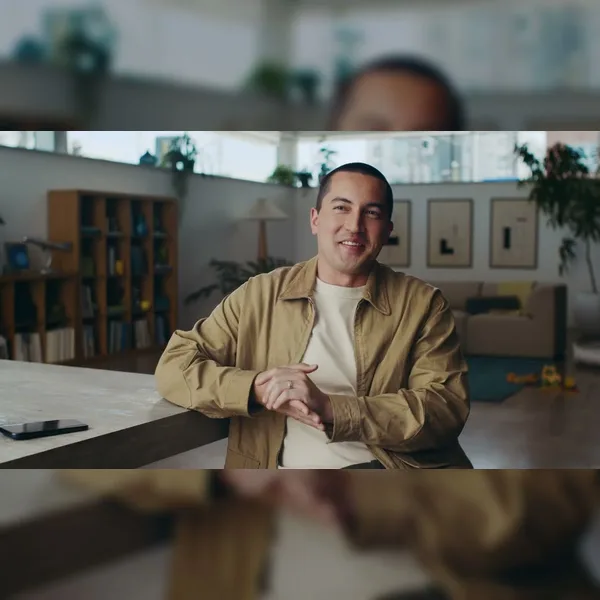
“The whole point is I want to hit the ground running.” HashiCorp co-founder Mitchell Hashimoto wraps up his day by putting Codex agents to work. They research the competition, compare tools and prototype features he’s still working out—giving him a head start on the next day’s work. Building with Codex? Share your story: https://openai.com/form/codex-originals/
暂未译制

“If you have an idea, bring a prototype right away.” For Shopify CTO Mikhail Parakhin, Codex is changing what his team brings to the meeting. From delegating tasks to exploring architectural options, he’s using Codex to take on work he couldn’t before. Meet Mikhail, one of the builders in Codex Originals. Building with Codex? Share your story: https://openai.com/form/codex-originals/
暂未译制

“Not being technical is not a reason to not build.” At Sotira, Amrita Bhasin uses Codex to connect unsold products with people who need them, helping keep millions of pounds of inventory out of landfills. Meet Amrita, one of the builders in Codex Originals. Building with Codex? Share your story: https://openai.com/form/codex-originals/
暂未译制

Security teams face a constant stream of vulnerabilities and alerts. Cloudflare’s Mark Anderson describes using AI to automate detection and response so experts can focus on threats that need their judgment. He sees automation from companies like OpenAI as a way to take on routine security work and help teams keep pace.
暂未译制

Security teams face a constant stream of vulnerabilities and alerts. Cloudflare’s Mark Anderson describes using AI to automate detection and response so experts can focus on threats that need their judgment. He sees automation from companies like OpenAI as a way to take on routine security work and help teams keep pace.
暂未译制

Hebbia’s Kavita Anand explains two areas where Astra improved in the company’s evaluations: selecting the right sources and generating PowerPoint presentations. For bankers and investors working through thousands of documents, both help turn research into information they can use.
暂未译制

At Jump Trading, Lucas Baker is seeing agents take on broader, less defined work—from building entire services to analyses that run for days across multiple data sources. He describes how AI is becoming part of his team’s everyday work.
暂未译制

How can AI help reduce the demands of IPO preparation? Cooley’s Chief Innovation Officer David Wang explains how GO Public, built with OpenAI, helps put substantive work in front of clients sooner and spot issues earlier. People remain responsible for reviewing the output and standing behind the answers.
暂未译制

“It is a prerequisite for staying safe that you must use AI.” Attackers can move at machine speed. Defenders need security controls that can adapt just as quickly. Jeetu Patel, President of Cisco, explains why OpenAI is becoming a core foundation for that work. With capabilities like Daybreak and Astra, Cisco sees an opportunity to make security controls and policies dynamic—and strengthen defenses for the businesses that depend on them. Watch why Cisco is rethinking how defense gets done.
暂未译制
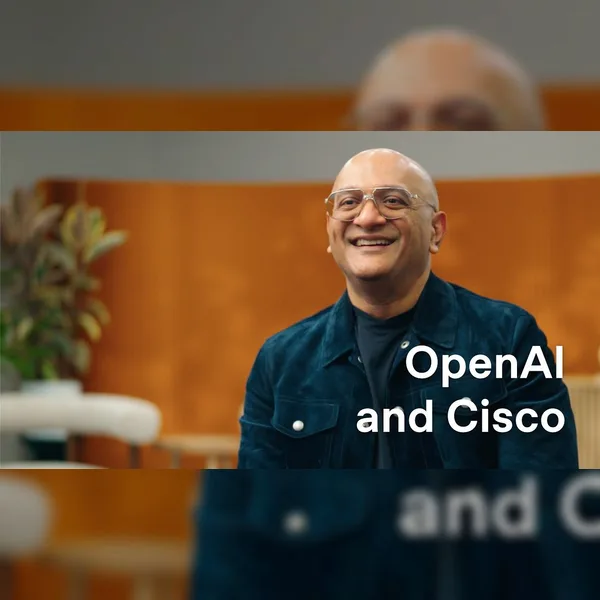
“It is a prerequisite for staying safe that you must use AI.” Attackers can move at machine speed. Defenders need security controls that can adapt just as quickly. Jeetu Patel, President of Cisco, explains why OpenAI is becoming a core foundation for that work. With capabilities like Daybreak and Astra, Cisco sees an opportunity to make security controls and policies dynamic—and strengthen defenses for the businesses that depend on them. Watch why Cisco is rethinking how defense gets done.
暂未译制

At Sullivan & Cromwell LLP, John Savva uses Codex to build tools around the firm’s legal expertise. Agreement Analyzer brings together a draft agreement, selected precedents, and playbooks reflecting the firm’s and client’s positions. It identifies potential issues and returns a memo and proposed tracked changes for a lawyer to review. Lawyers can inspect the sources and explanations behind the findings, then accept, revise, or reject the proposed changes before advising the client. Watch John explain the workflow, and read the full story: https://openai.com/index/sullivan-cromwell/
暂未译制
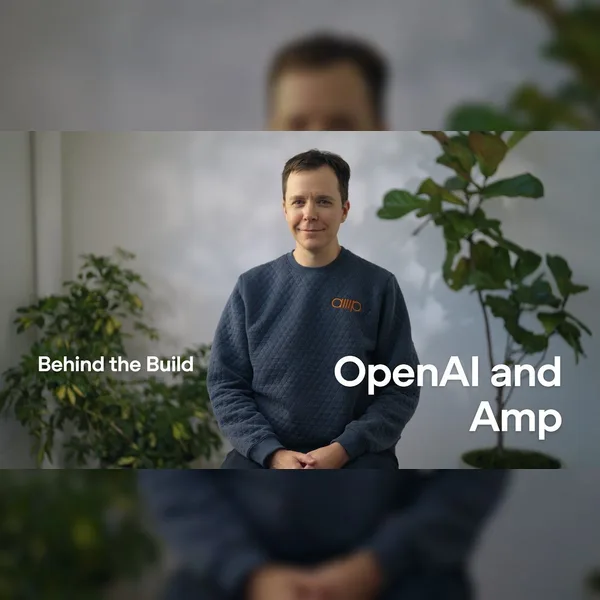
Amp is building an AI agent that helps developers turn ideas into working software, from deciding what to build to writing code to onboarding customers. Sign in with ChatGPT gives Amp users access to more tokens for larger tasks, while Amp's conversational assistant, Puck, uses GPT‑Live‑1 to help users launch and manage agents by voice. Internally, the company’s 20-person team uses GPT‑6 Astra to write documentation, design pages, and support marketing. See how Amp is bringing agents into more of the work before and after coding, and exploring faster workflows with Ultrafast. Read the full story → https://openai.com/index/amp-beyond-coding/
暂未译制
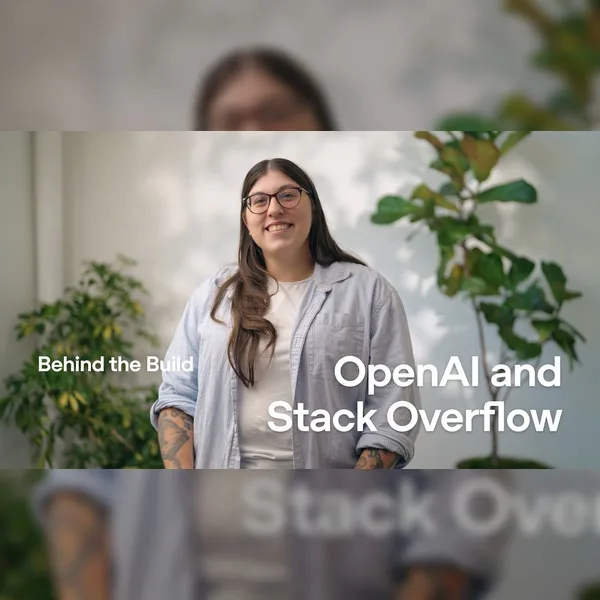
Stack Overflow is building a knowledge intelligence platform that turns information scattered across workplace tools into verified knowledge for people and AI agents. The company's latest product, Stack Overflow for Agents, was built from the ground up by two engineers in just a few weeks using Codex. To distribute it, Stack launched a ChatGPT plugin, and signups tripled overnight. Users also created up to 10x more agents. See how the team is accelerating development and bringing company knowledge into the tools people already use. Read the full story: https://openai.com/index/stack-overflow-chatgpt-plugin/
暂未译制
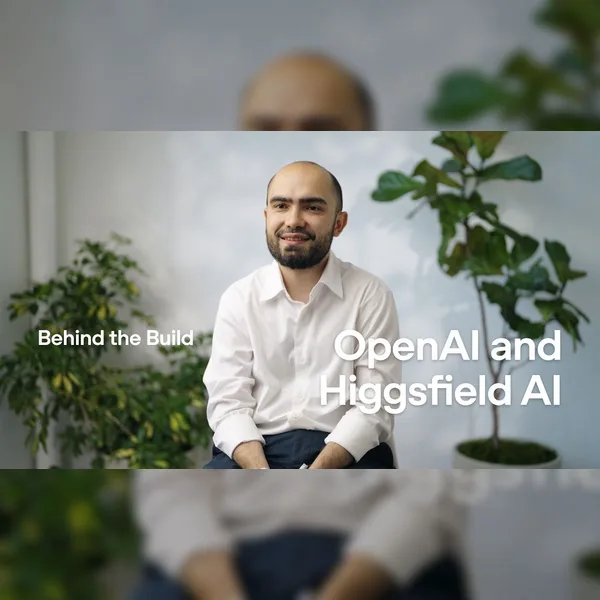
Higgsfield is building an AI video and image creation platform that helps creators and small teams produce everything from instructional videos to fashion campaigns. With GPT‑6 Astra, the company has gone from creating videos around one minute long to videos over 10 minutes. GPT‑Image‑2.5 helps businesses create visuals with readable text and precise infographics, while Codex helps Higgsfield’s creative team turn ideas into software prototypes. See how Higgsfield is helping smaller teams take on more ambitious creative work and exploring voice-driven filmmaking with GPT‑Live‑1. Read the full story → https://openai.com/index/higgsfield-longer-videos-voice/
暂未译制
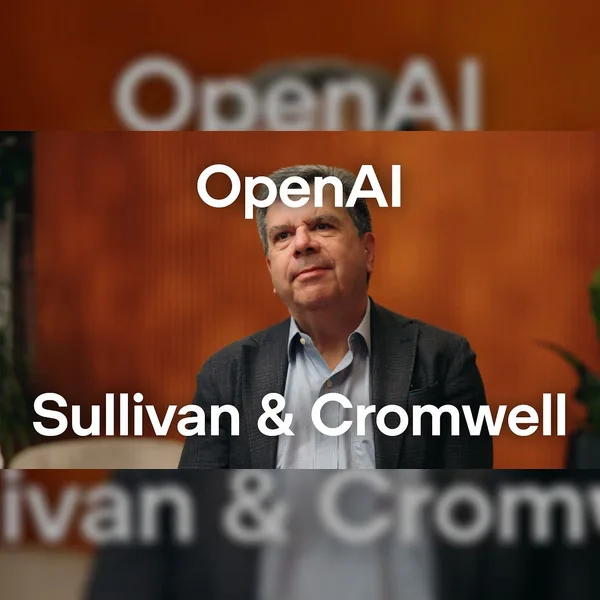
At Sullivan & Cromwell LLP, John Savva uses Codex to build tools around the firm’s legal expertise. Agreement Analyzer brings together a draft agreement, selected precedents, and playbooks reflecting the firm’s and client’s positions. It identifies potential issues and returns a memo and proposed tracked changes for a lawyer to review. Lawyers can inspect the sources and explanations behind the findings, then accept, revise, or reject the proposed changes before advising the client. Watch John explain the workflow, and read the full story: https://openai.com/index/sullivan-cromwell/
暂未译制