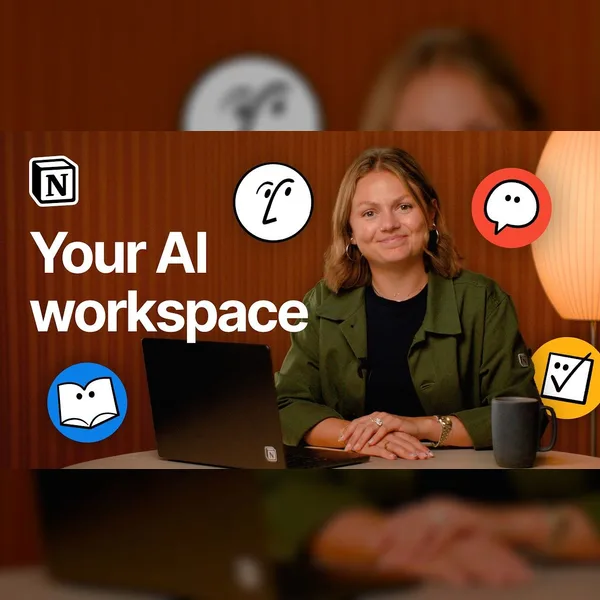
Notion is where your team and AI work together in one place. In this beginner-friendly tutorial, you'll learn how to set up your workspace, work with your Notion Agent, and build your first page and database from scratch.
Hosted by Kellie Woodin, a Customer Success Manager at Notion, this session is fully hands-on using a sample workspace so you can follow along and build as you go.
In this video:
- The big picture — how Notion helps you capture knowledge, find answers, and automate workflows
- Your Notion agent — asking questions, generating reports, permissions, and personalization
- Workspace basics — team spaces, the sidebar, pages and subpages, and breadcrumbs
- Building blocks — creating a personal HQ page and a meeting-notes database with views
- Templates, verification, and real-time collaboration
- AI Meeting Notes — automatic transcripts, summaries, and action items
Why it matters: the more context your team captures in Notion, the more useful your AI becomes for finding answers, summarizing work, and moving projects forward.
Chapters:
00:00 Welcome
00:43 What Notion is: capture, find, automate
03:01 Your workspace
04:07 Your Notion Agent
05:49 Generate a weekly status report
06:45 Personalize your Notion Agent and add skills
08:20 Teamspaces
09:27 Page hierarchy and nesting
10:25 The sidebar
11:37 Build your personal HQ page
14:17 Blocks
14:43 Databases
16:51 Templates
18:21 Recap with AI
Resources:
- Get started with Notion: https://www.notion.com
- Notion AI: https://www.notion.com/product/ai
- Help Center: https://www.notion.com/help
- Templates gallery: https://www.notion.com/templates
Subscribe for more tutorials, tips, and product walkthroughs.